
Bookings open · Mon–Fri, 10am–4pm
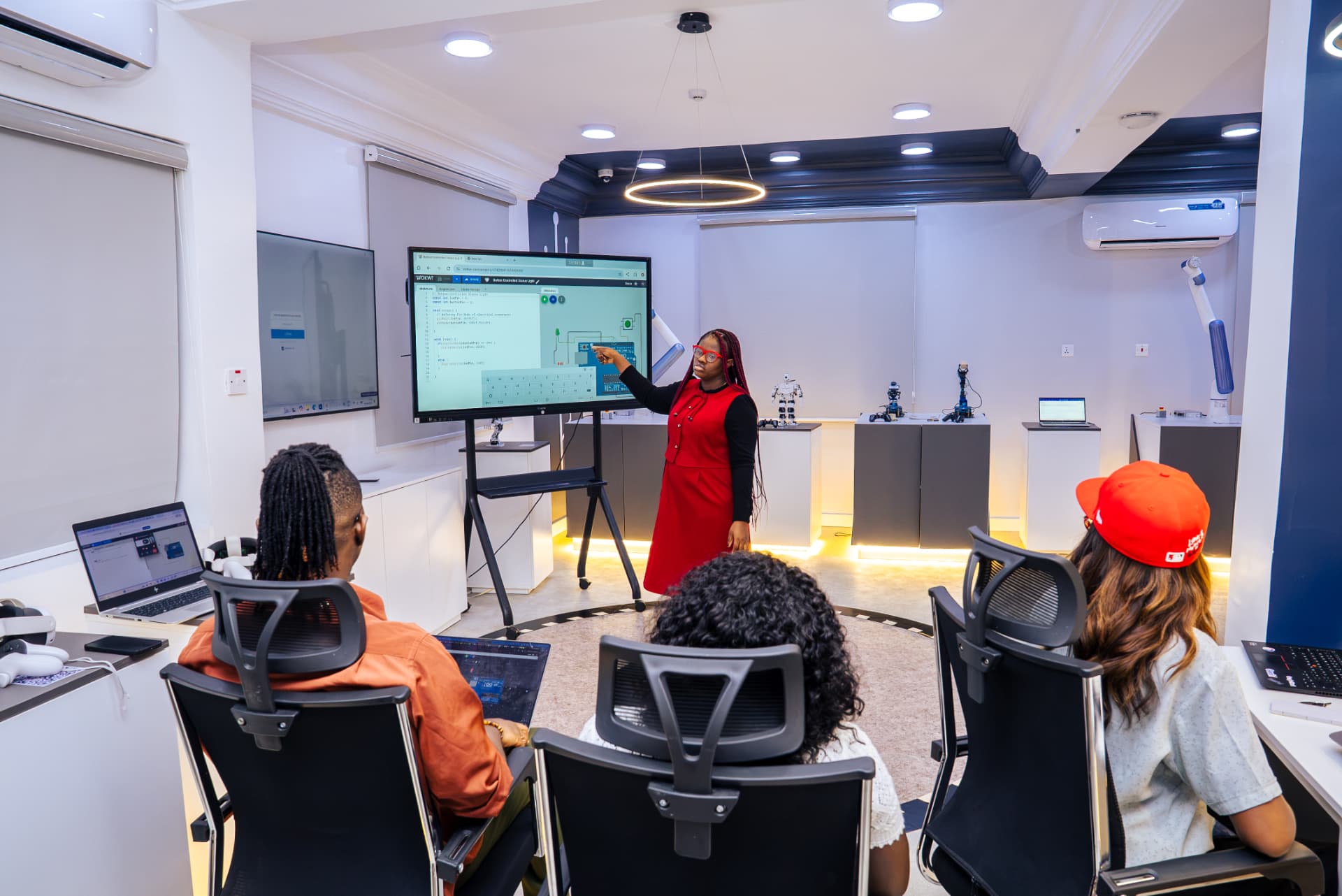
Step inside the Miva Robotics Lab
Build, code and explore with robots, drones, VR and AI. Learners, staff and school groups can book a visit — TonyPi will guide you every step of the way.
Welcome to Miva Robotics Lab Booking! I am TonyPi, your tour guide. I can walk you through every tab on this site and help you book a visit. Would you like to see what I can perform?
Who can book?
Learners
Undergraduate and postgraduate learners working on projects, coursework or curious about robotics. Learner ID is optional.
Book as learnersStaff
Miva staff from any department — with a department sponsor — for demos, training or research.
Book as staffSchool groups
Secondary schools and partner institutions bringing a group of up to 20 visitors.
Book as school groupsExplore the site with TonyPi
Book a visit
This is Book a visit. Step one: choose who you are — Learner, Staff, or School group. Step two: pick a green date on the calendar; green means open, amber is filling up, grey is closed. Step three: choose your start and end time between 10am and 4pm. Step four: fill in your details. Learners, your Learner ID is optional. Staff, choose your department and your department sponsor. School groups, tell us your school and group size — up to 20 visitors for a group visit. Then submit, and you will get a booking reference.
Lab calendar
This is the Lab calendar. Green days have open places, amber days are almost full, and grey days are closed or weekends. You will also see programmes and activities happening in the lab each day.
Events
This is the Events tab. It lists every programme in the Miva Robotics Lab calendar — completed programmes, ongoing ones, and upcoming events, plus our recurring clubs and flagship events.
Inside our lab
Welcome inside our lab! Drag the immersive video to look around, and browse photos of our VR stations, workbenches and robots — including my friends.
My bookings
This is My bookings. Enter the email you booked with and your booking reference to see all your bookings, their status, and your visit guide once approved.
Manage
This is the Manage dashboard for Robotics Lab admins. Review each request, ask me for a summary and safety check, then approve or decline with a reason. You can also block times when the lab is unavailable.