
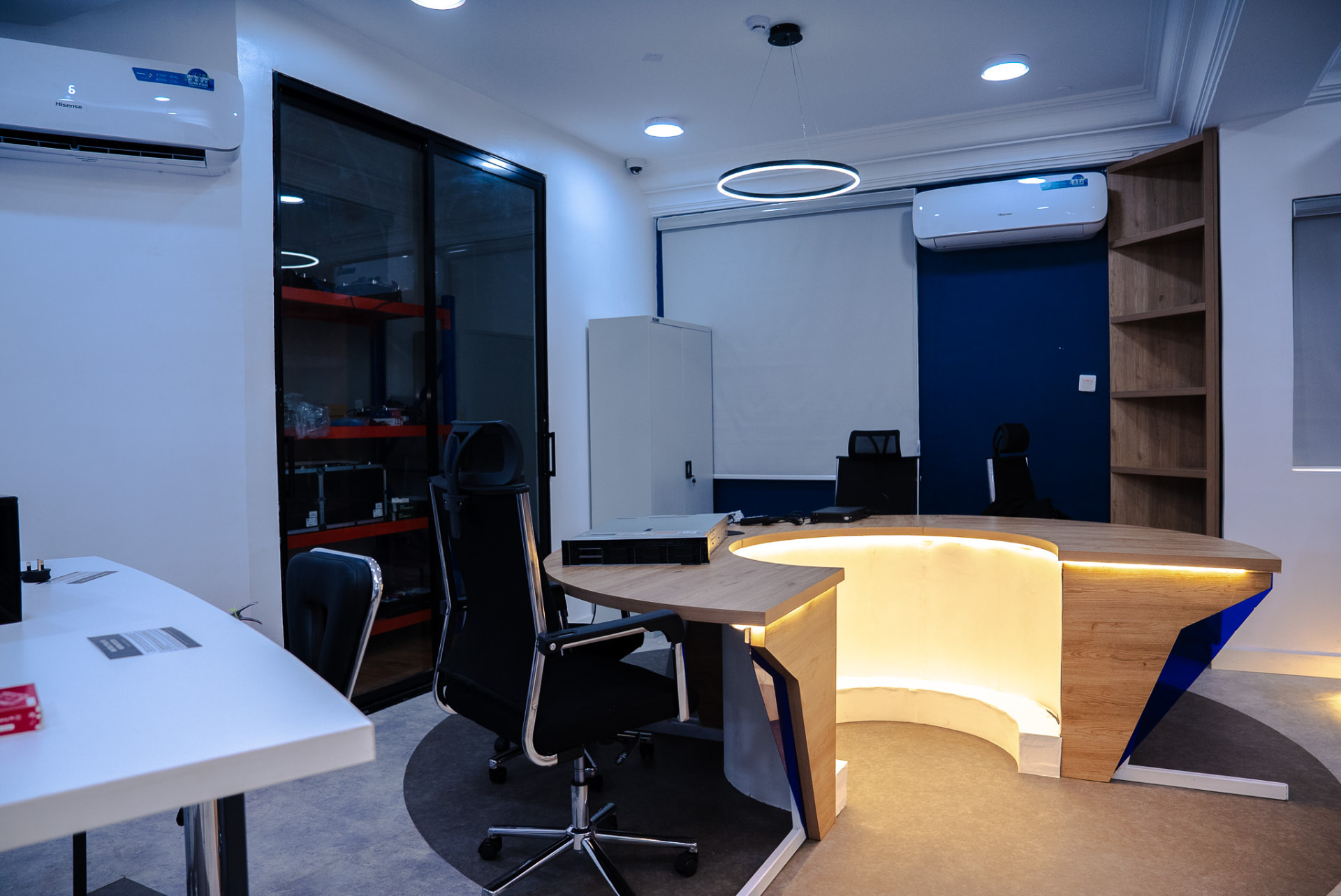
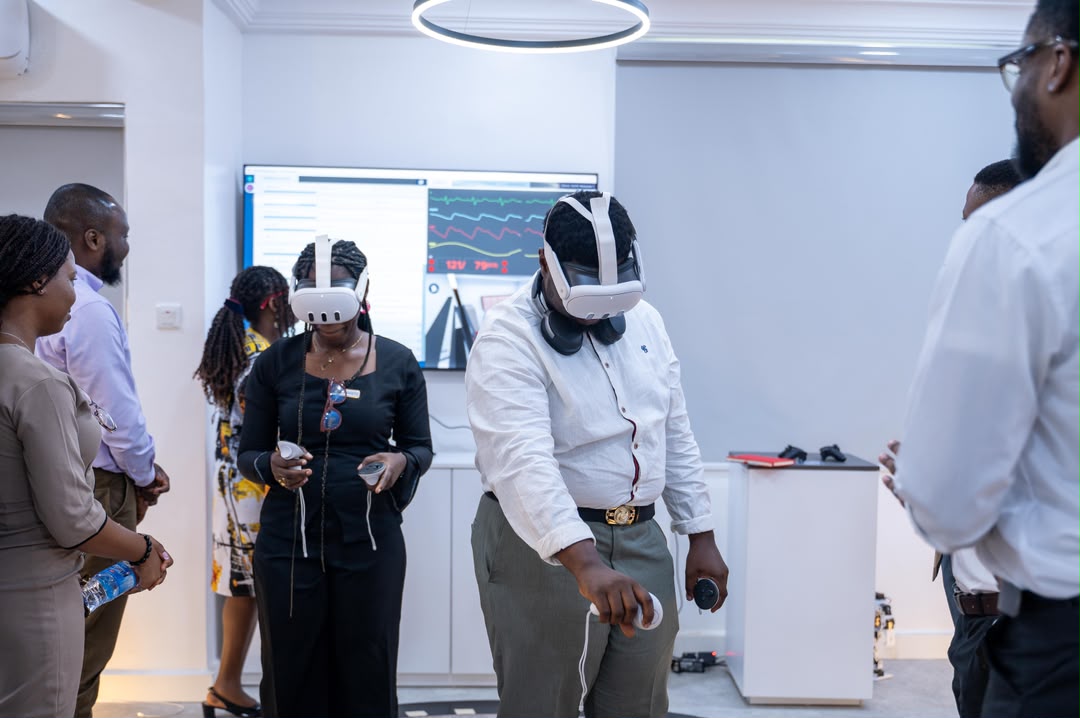
Inside our lab
Drag inside the video to look around the lab. A full 3D walk-around is coming soon with Roboverse, our 3D simulation lab.
360° look-around · drag to explore
Gallery
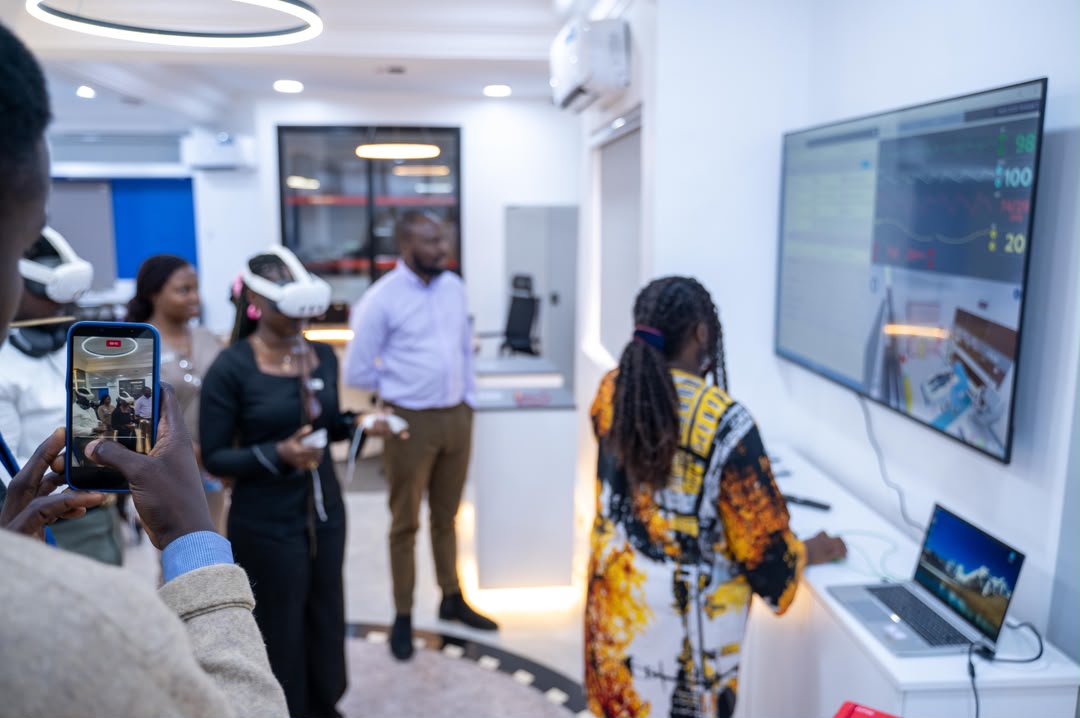
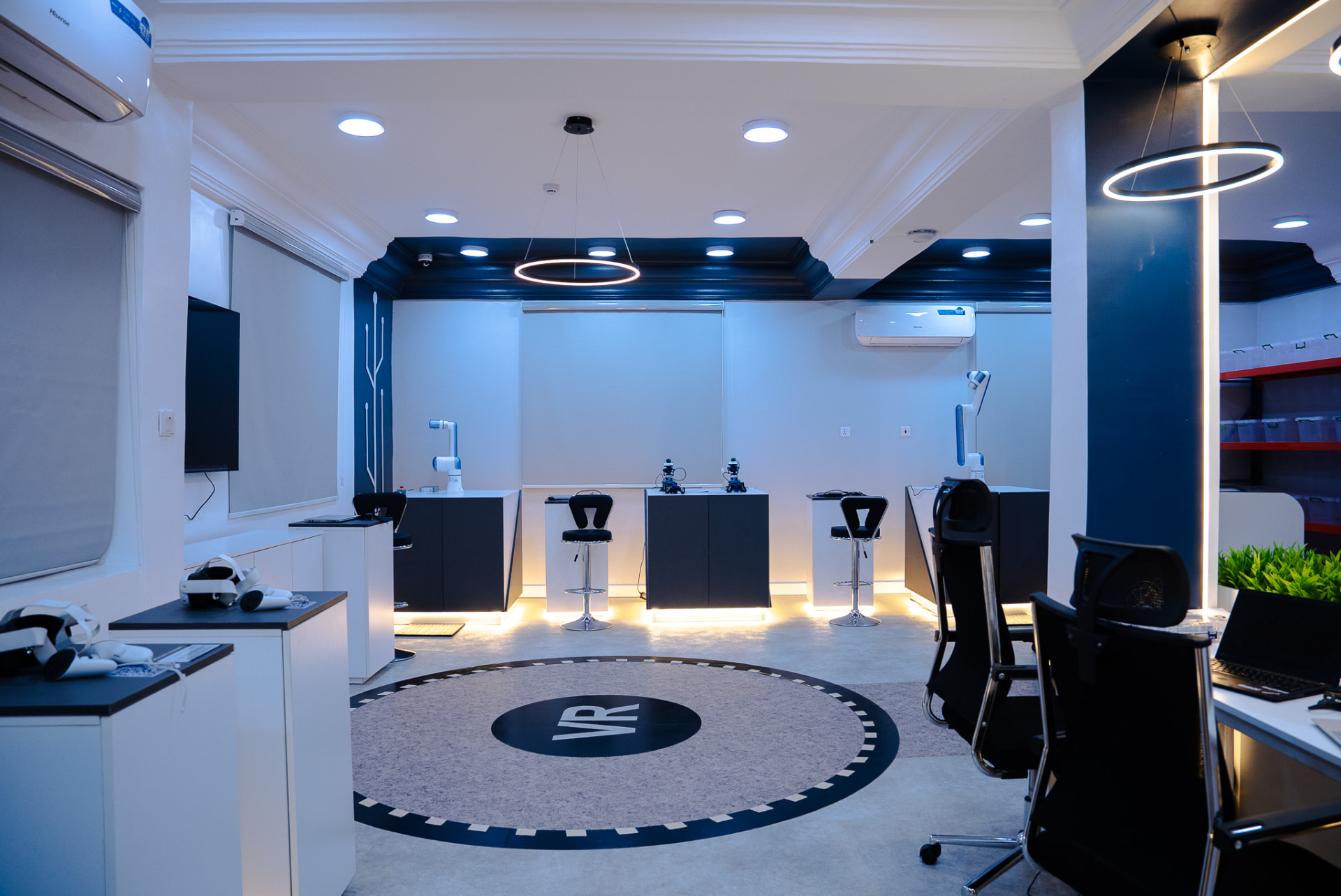
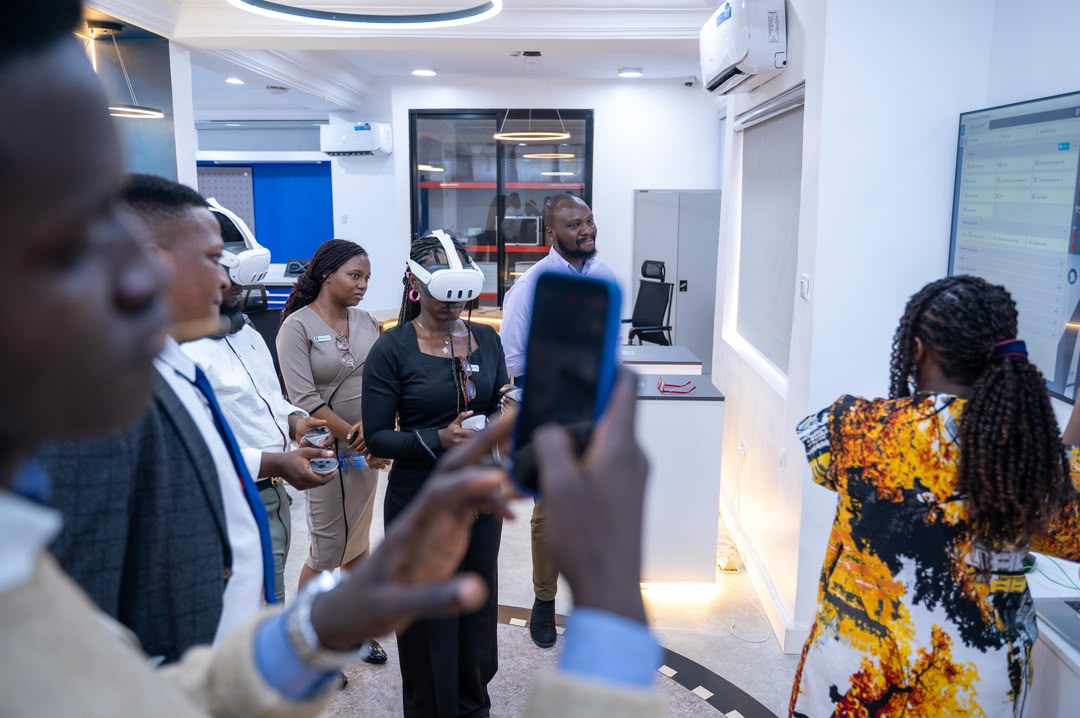
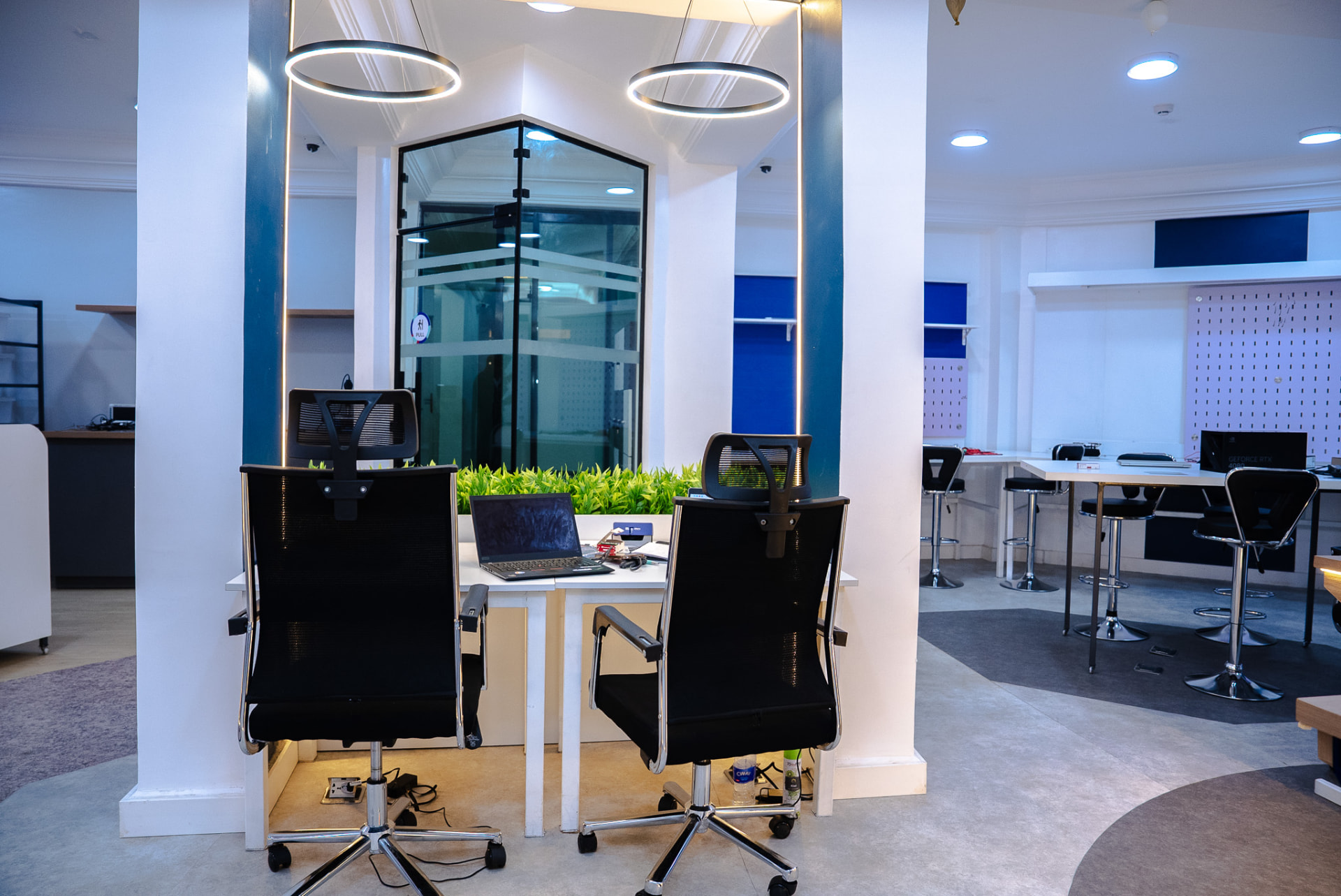


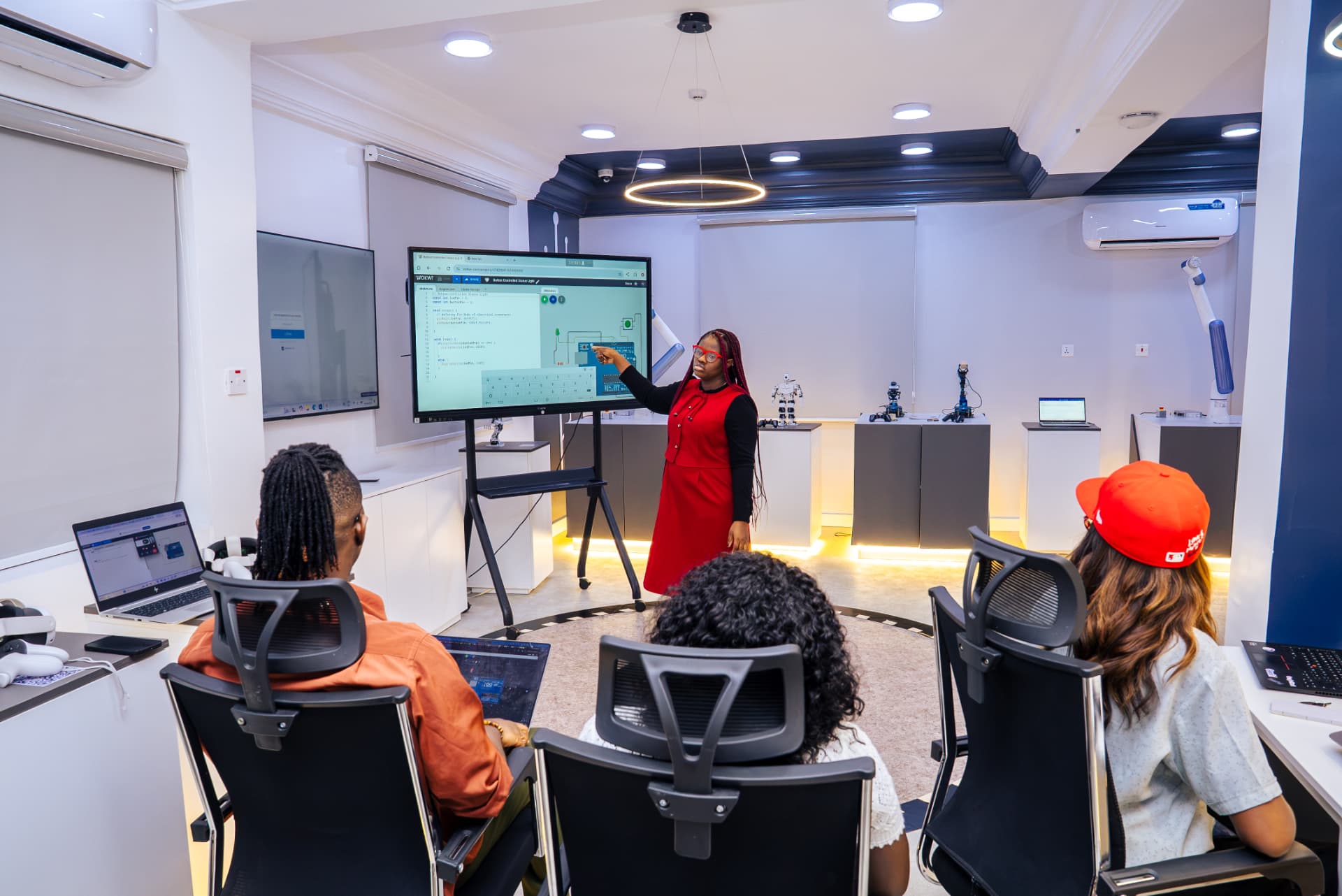
Lab rules
- Arrive 10 minutes early and scan the QR code at the lab door to sign in.
- Read the lab rules posted at the entrance before you enter.
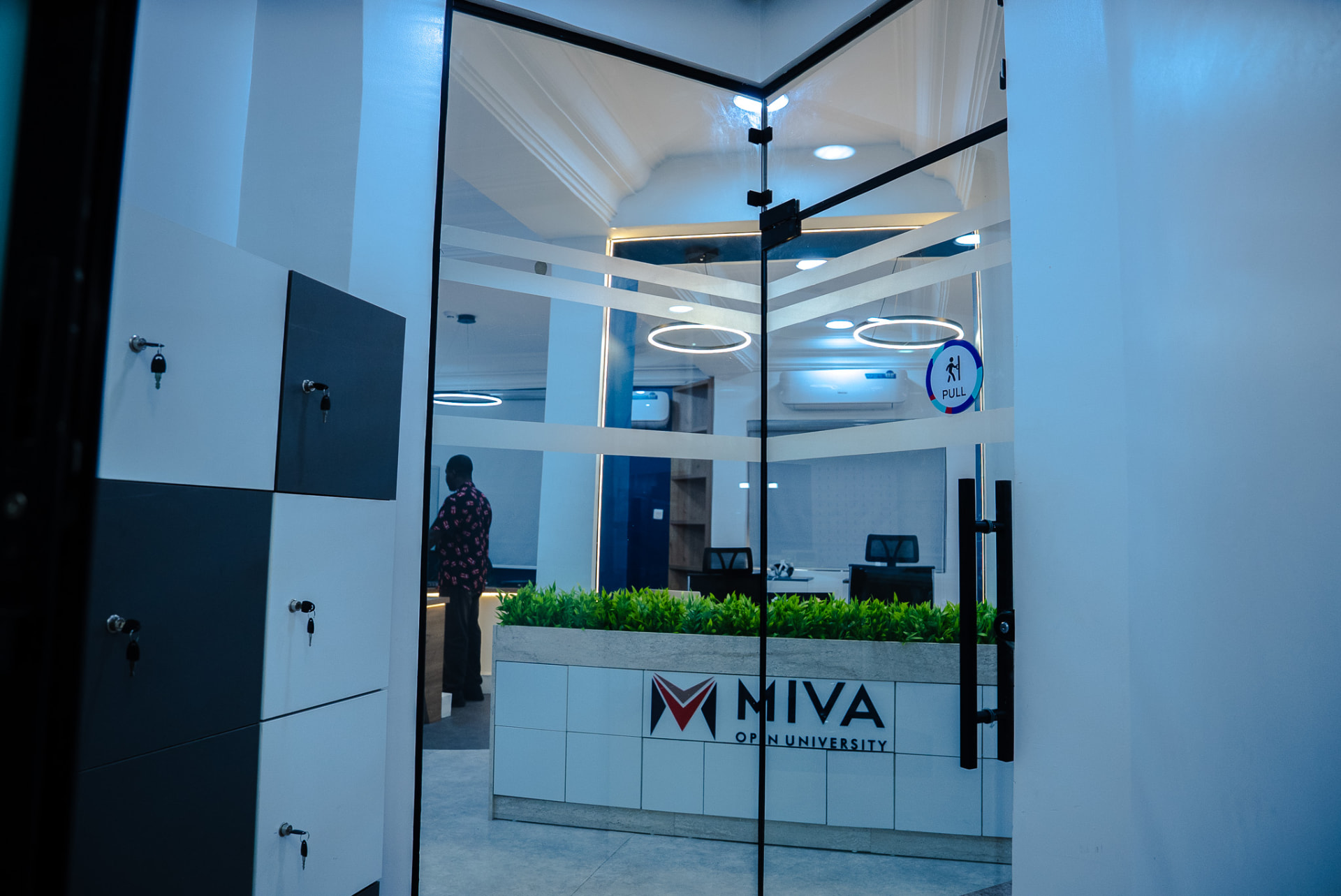
- Keep your bags in the cabinet just inside the lab entrance.
- Read the second set of lab rules displayed inside the lab before starting any activity.
- Wear closed-toe shoes; tie back long hair and loose clothing near moving parts.
- No food or drinks at the workbenches.
- Only use soldering stations, 3D printers and power tools with a lab staff member present.
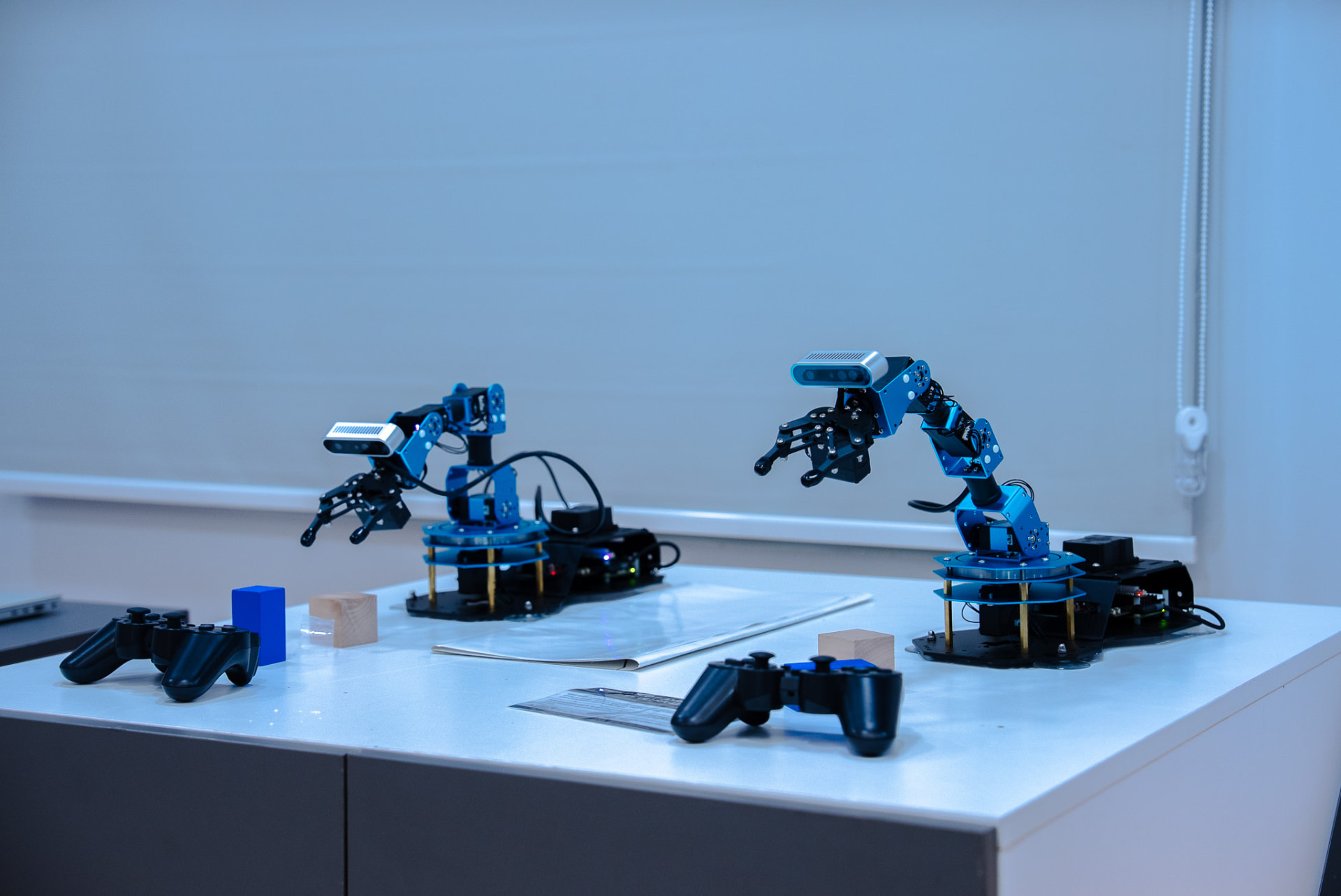
- Handle robots (including TonyPi) only when invited by lab staff.
- Report any damage, spills or injuries to lab staff immediately.
- Bring your Miva ID card (learners and staff) or a valid photo ID (school groups).
Preparation tips
- Charge your laptop and bring a USB cable if you are working on a project.
- Write down what you want to achieve so lab staff can set up the right equipment.
- Install the Arduino IDE or Python beforehand if you plan to code.
- School groups: bring a list of attendees and at least one supervising teacher.
Ask TonyPi
Questions about lab rules, activities or preparing for your visit.